For children
- A world of their own
Coco or their apps — their choice.
- Coco, their voice AI
Ask questions, learn to explore.
- Time they can understand
See how much time is left.
- Loved ones close by
Reach trusted people.
LOOK UP KIDS
Guidance to grow, loved ones to reach.
iOS & Android · Access on request
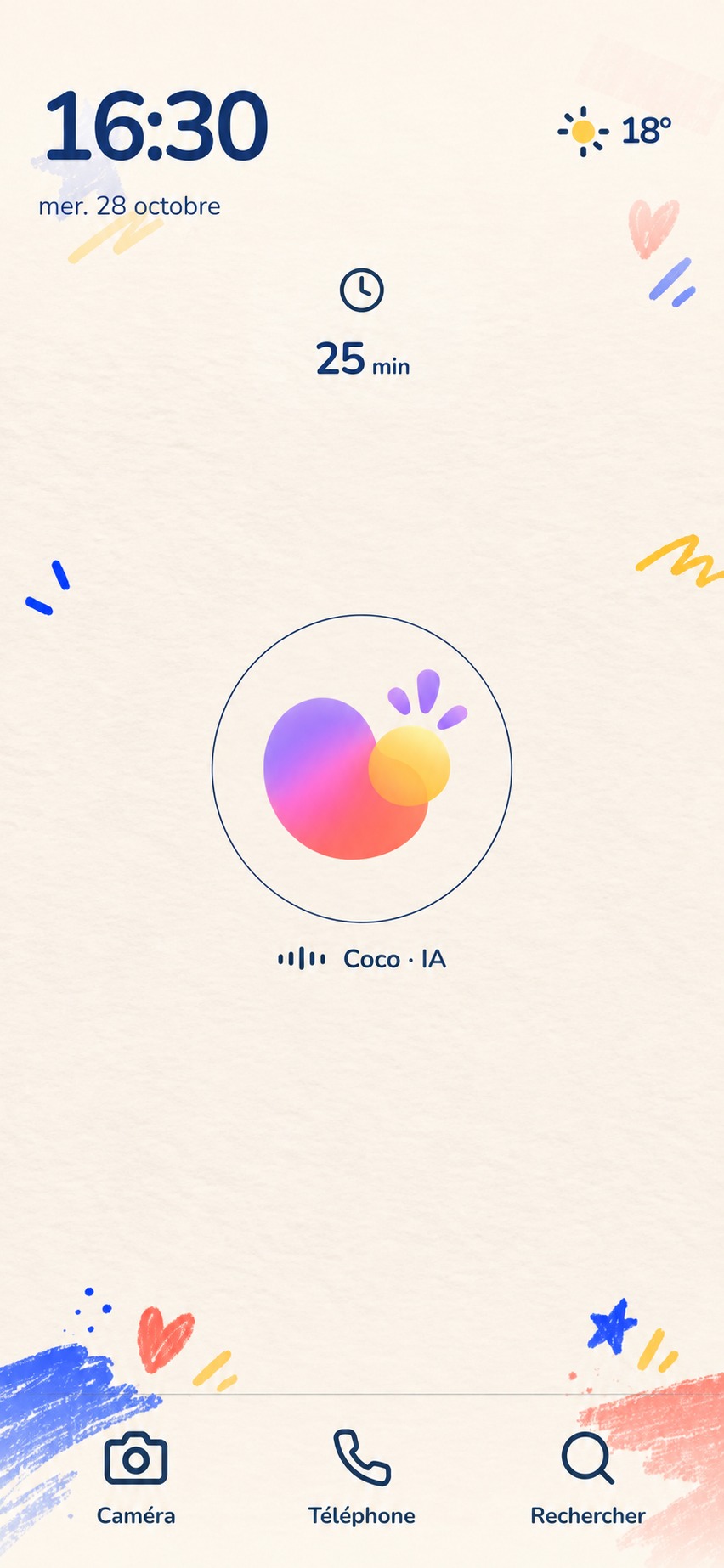
Their home screen
Coco in the centre or their favourite apps: your child chooses their home screen. The apps are still the ones chosen together.
Their time
Time used and free time remaining are visible at a glance. Set durations together: a clear guide, separate from screen pauses.
Coco, their AI
Coco introduces voice conversations with AI. A gradual approach with a parent, to learn how to explore questions and become more independent.
Child AI is not enabled in the version shown.

Pauses
Apps are paused. Your child can ask you for more time.
Your approval
Your child wants to add an app? You decide. App ratings can inform your choice; they do not replace your decision or age guidance.
Controls depend on granted permissions and must be checked on the device.
Check an app’s rating Mum
 Minecraft
Loved ones and SOS
Trusted contacts and SOS remain easy to find. “I’m lost” offers a separate way to get help.


ROOM FOR BOTH
Coco or their apps — their choice.
Ask questions, learn to explore.
See how much time is left.
Reach trusted people.
Allow, remove, guide.
Time limits and breaks.
Their phone’s location.
An easy way to find help.
Request access, then set boundaries with your child.
Look Up and Look Up Kids are available on request. Depending on your phone and the version offered, beta access is provided through an APK on Android or TestFlight on iOS. We explain the access details when replying to your request.
Publication on the App Store and Google Play will follow version validation and store approval. No date has been announced. You can request access now and choose to receive updates by email.
Choose apps and time boundaries together with your child. Then check permissions and how the controls work on their phone.
Access to loved ones and help is separate from app time. Check this flow with your child during setup; it does not replace emergency services.