Their home screen. Their choice.
Coco at the centre or their apps: their choice.
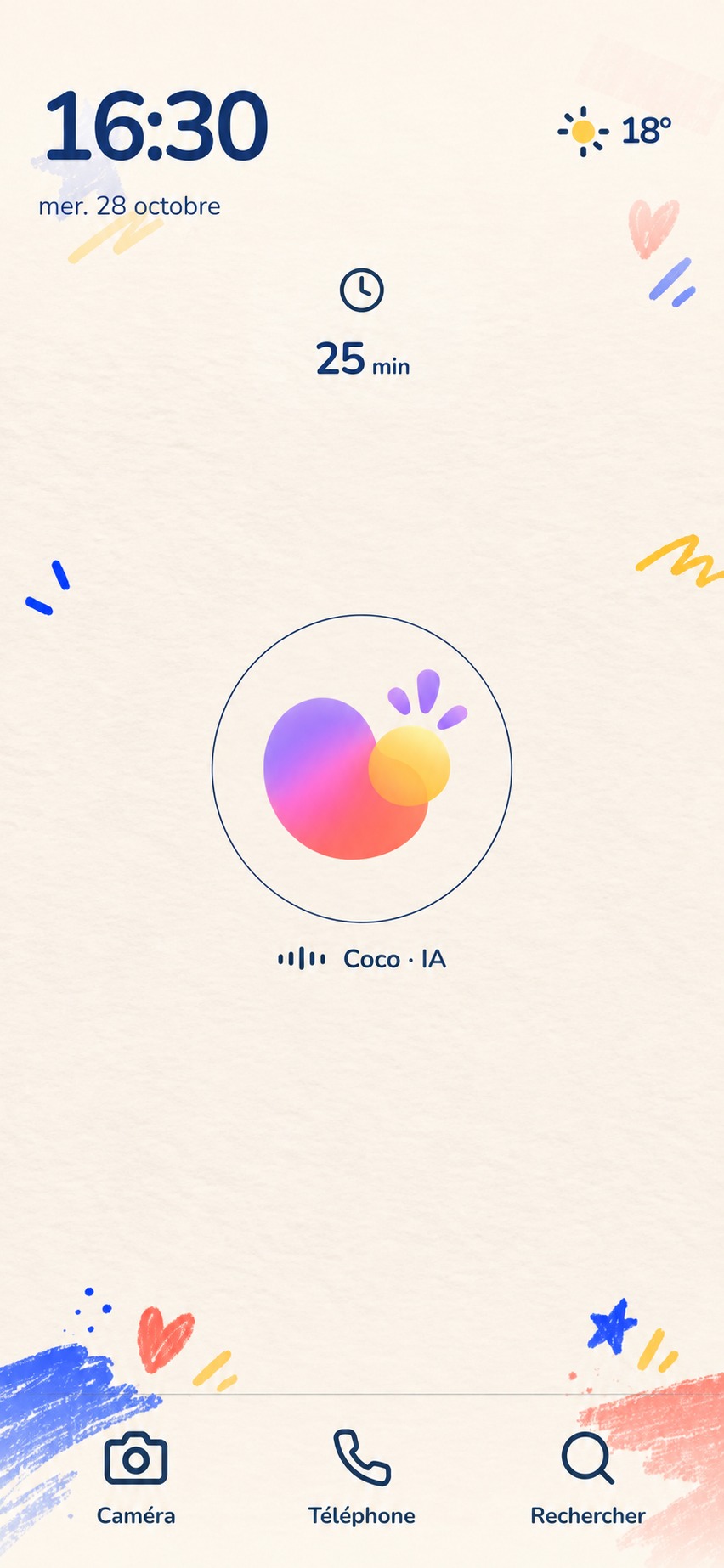
The app for their first steps in the digital world.
iOS & Android · Access on request
Coco at the centre or their apps: their choice.
Time used. Time still available.
Learning to explore, with you.

Apps are paused.
They ask. You choose.
 Mum
 Minecraft
Calls and SOS, within reach.


ROOM FOR BOTH
Coco or their apps — their choice.
Ask questions, learn to explore.
See how much time is left.
Reach trusted people.
Allow, remove, guide.
Time limits and breaks.
Their phone’s location.
An easy way to find help.
App ratings · For parents
Your child asks for an app. Check its rating to help decide whether to allow it.
Check app ratingsThe rating assesses an app’s attention capture, not its age suitability.
OUR PRODUCTS · IN DEVELOPMENT
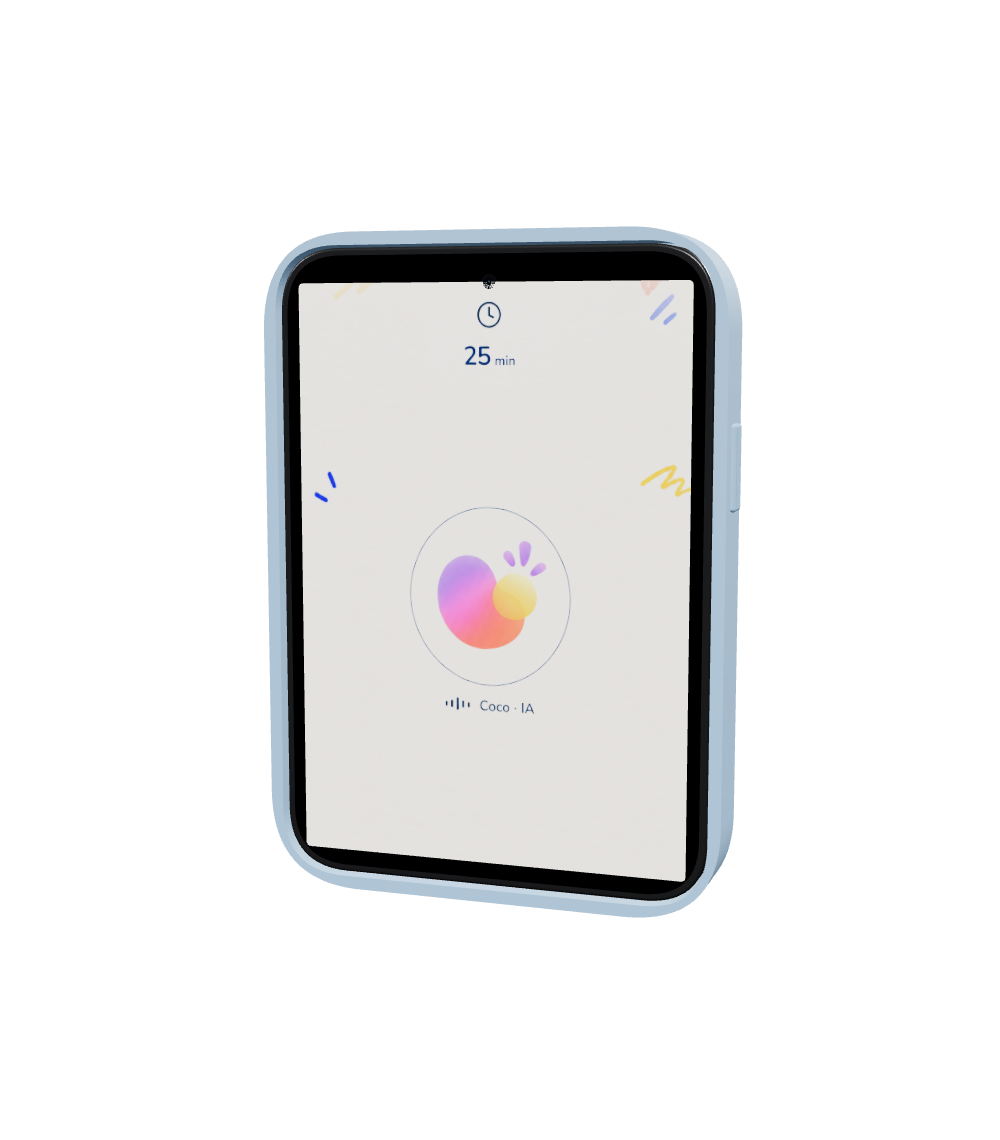
Look Up One
Look Up Kids built in. A format of their own.
Look Up and Look Up Kids are available on request. Depending on your phone and the version offered, beta access is provided through an APK on Android or TestFlight on iOS. We explain the access details when replying to your request.
Publication on the App Store and Google Play will follow version validation and store approval. No date has been announced. You can request access now and choose to receive updates by email.
Apps, time limits and phone boundaries. Controls depend on the operating system and permissions; check them together on the device.
No. Coco supports curiosity through voice. Conversations with parents and loved ones remain central. Access depends on the version offered and parental settings.
No. The Kids app and product concepts are separate. You can request the app for your phone without signing up for product updates.
 InstagramE