LOOK UP
Your phone.
At your own pace.
Five ways to take back your attention, on your current phone.


iOS & Android · Access on request
Home
Your apps. Fewer temptations.
Find your favourites, folders and search. Choose a simple list or grid, in monochrome or colour.
My Score
See where your time goes.
Screen time, the apps you use and session length shape your personal score. A guide to your habits, separate from each app’s rating.
 1 h 40including continuous TikTok use
Voice
One question. Then back to life.
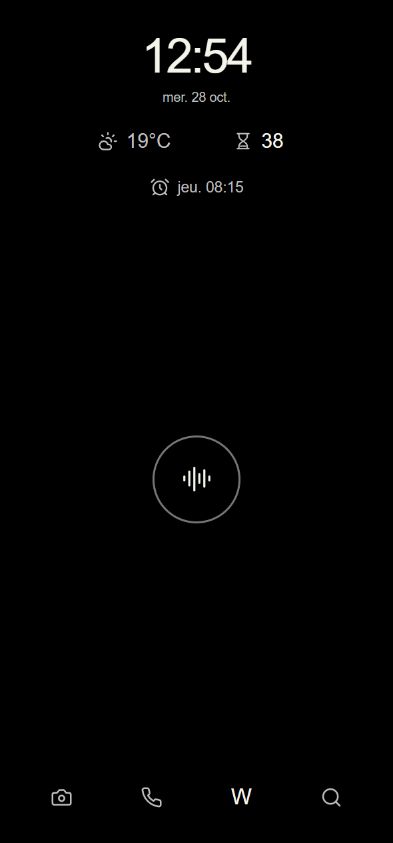
Open the Look Up agent from the centre button. Speak or type, then listen to the answer. Your other assistants remain accessible through their available shortcuts.
YouA recipe for 4. What about 6?
Look UpMultiply by 1.5: 200 g → 300 g.
Pauses
Open with intention.
Set a pause for an app or based on your score. When the timer ends, you decide whether to open the app. Nothing opens automatically.
Notifications
Essentials now. The rest later.
Choose which alerts deserve your attention. Catch up with the others later, depending on your settings and phone permissions.
Ready to look up?
Free access on request, by email.
Your questions.
How can I access the beta?
Look Up and Look Up Kids are available on request. Depending on your phone and the version offered, beta access is provided through an APK on Android or TestFlight on iOS. We explain the access details when replying to your request.
When will the apps be in the stores?
Publication on the App Store and Google Play will follow version validation and store approval. No date has been announced. You can request access now and choose to receive updates by email.
Are features the same on every phone?
No. The home screen, notifications and pauses depend on the operating system’s capabilities and permissions. We explain the beta’s scope when providing access.
Is My Score the rating of my apps?
No. My Score describes your own usage. App ratings compare the attention capture mechanisms of apps, independently of how you use them.